

Description
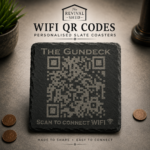
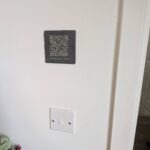
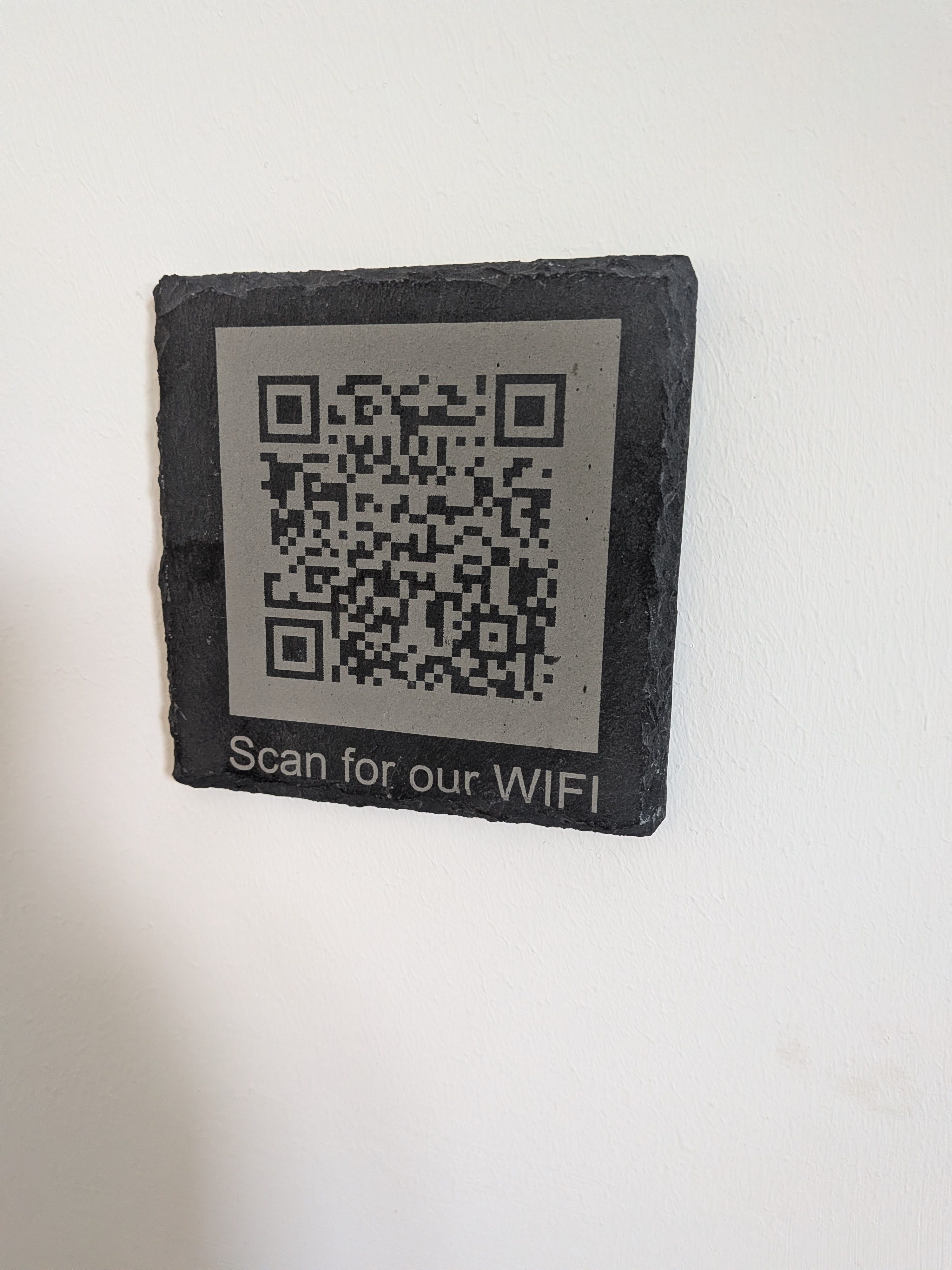
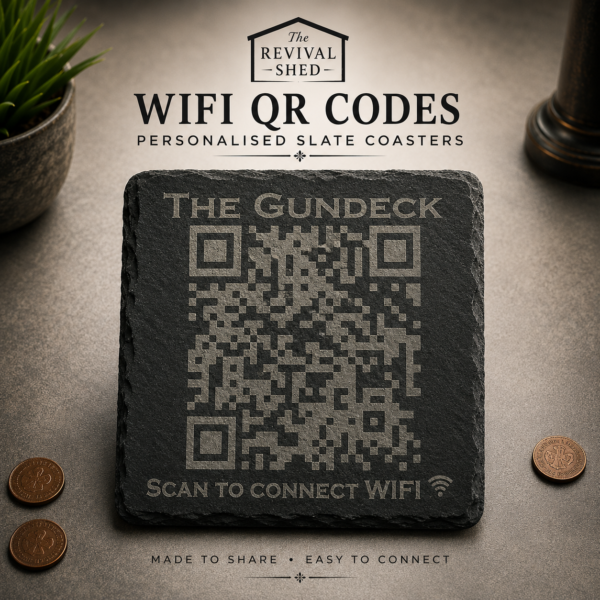
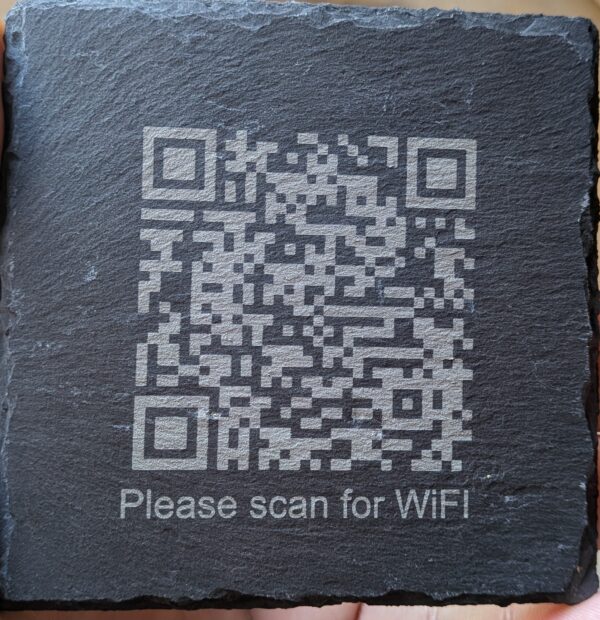
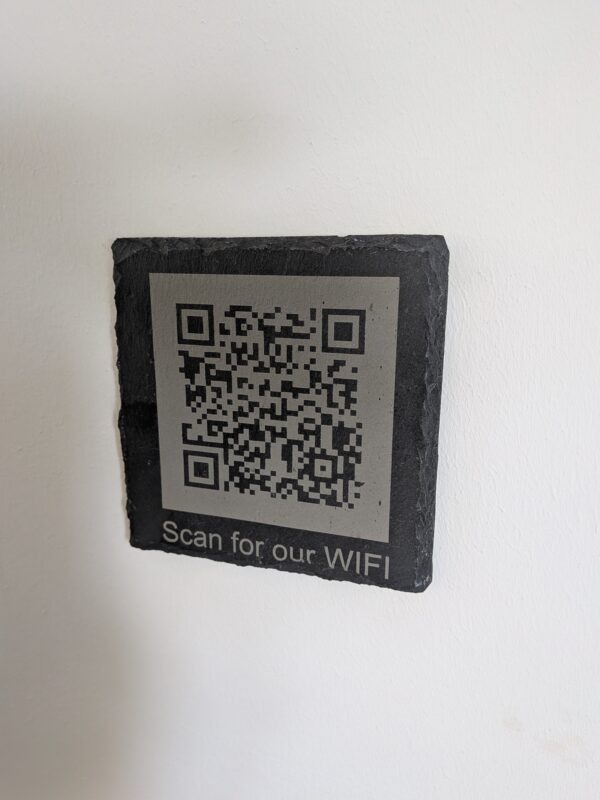
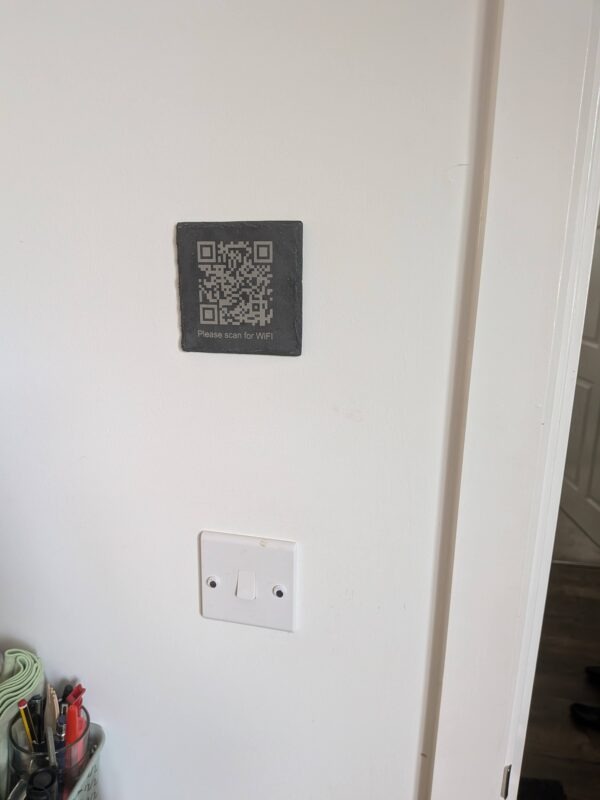
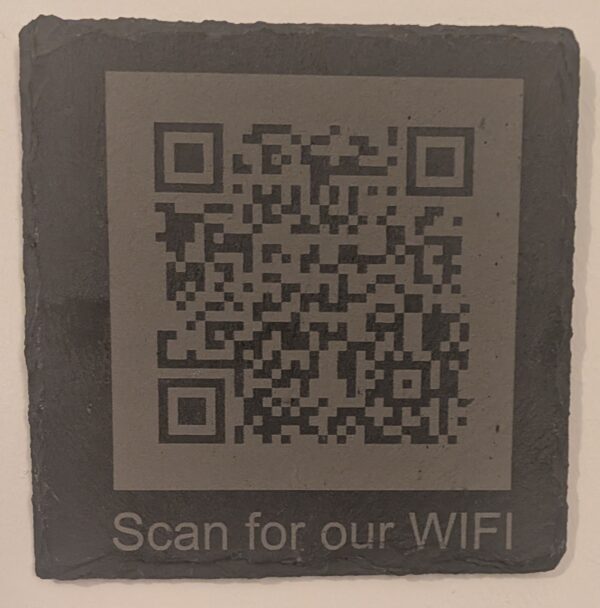
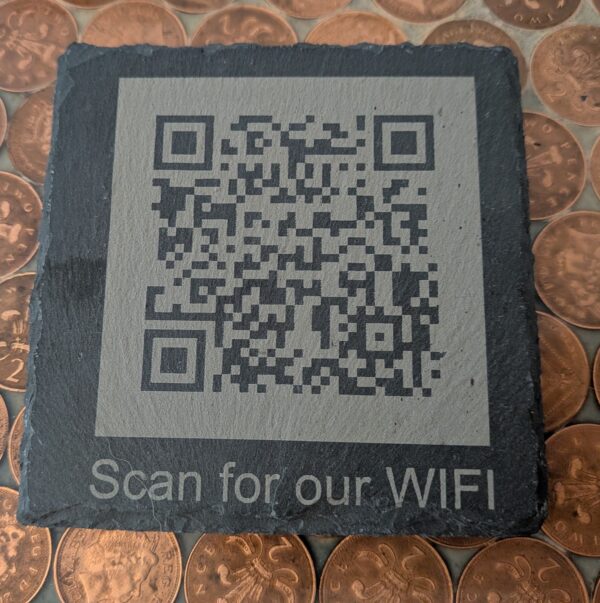
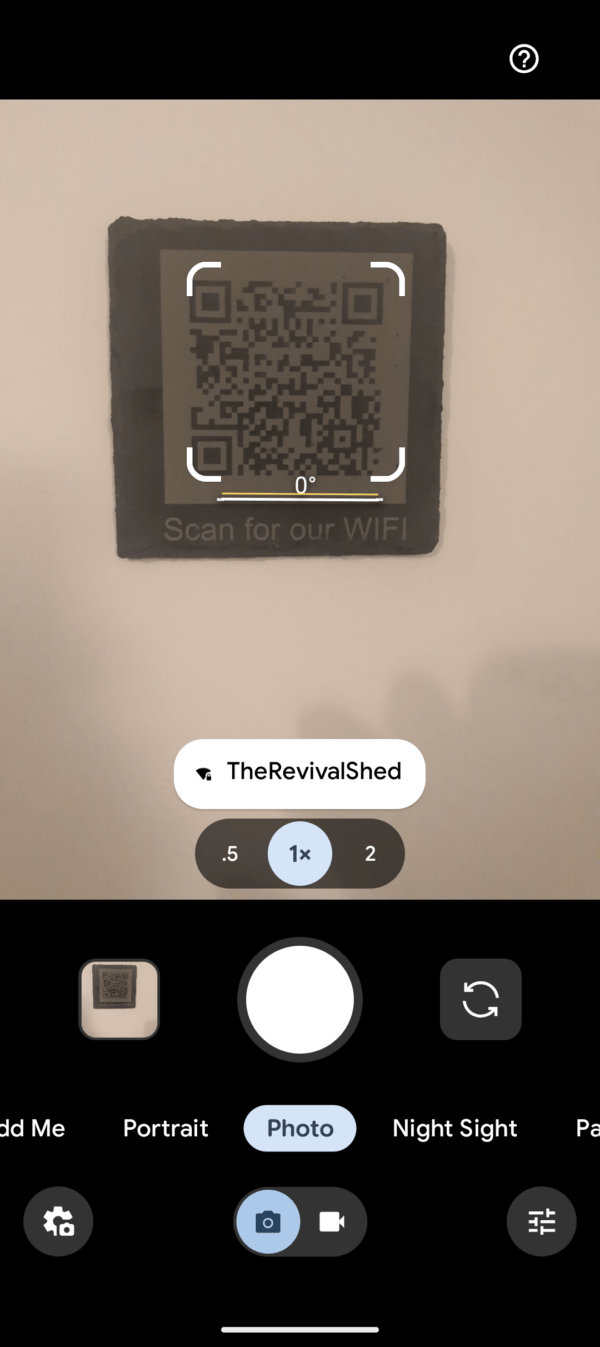
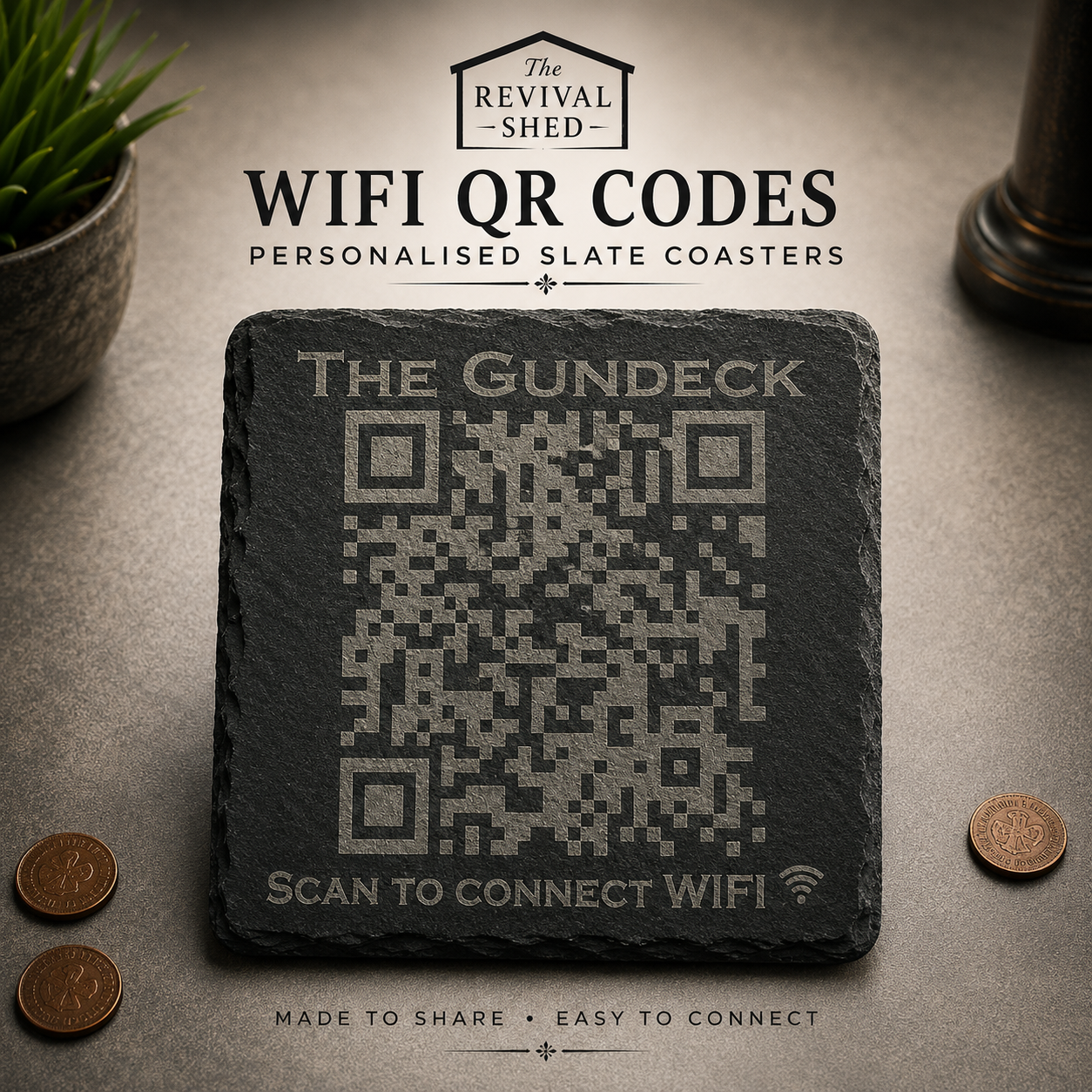
Personalised WiFi QR Slate
Stop repeating your WiFi password.
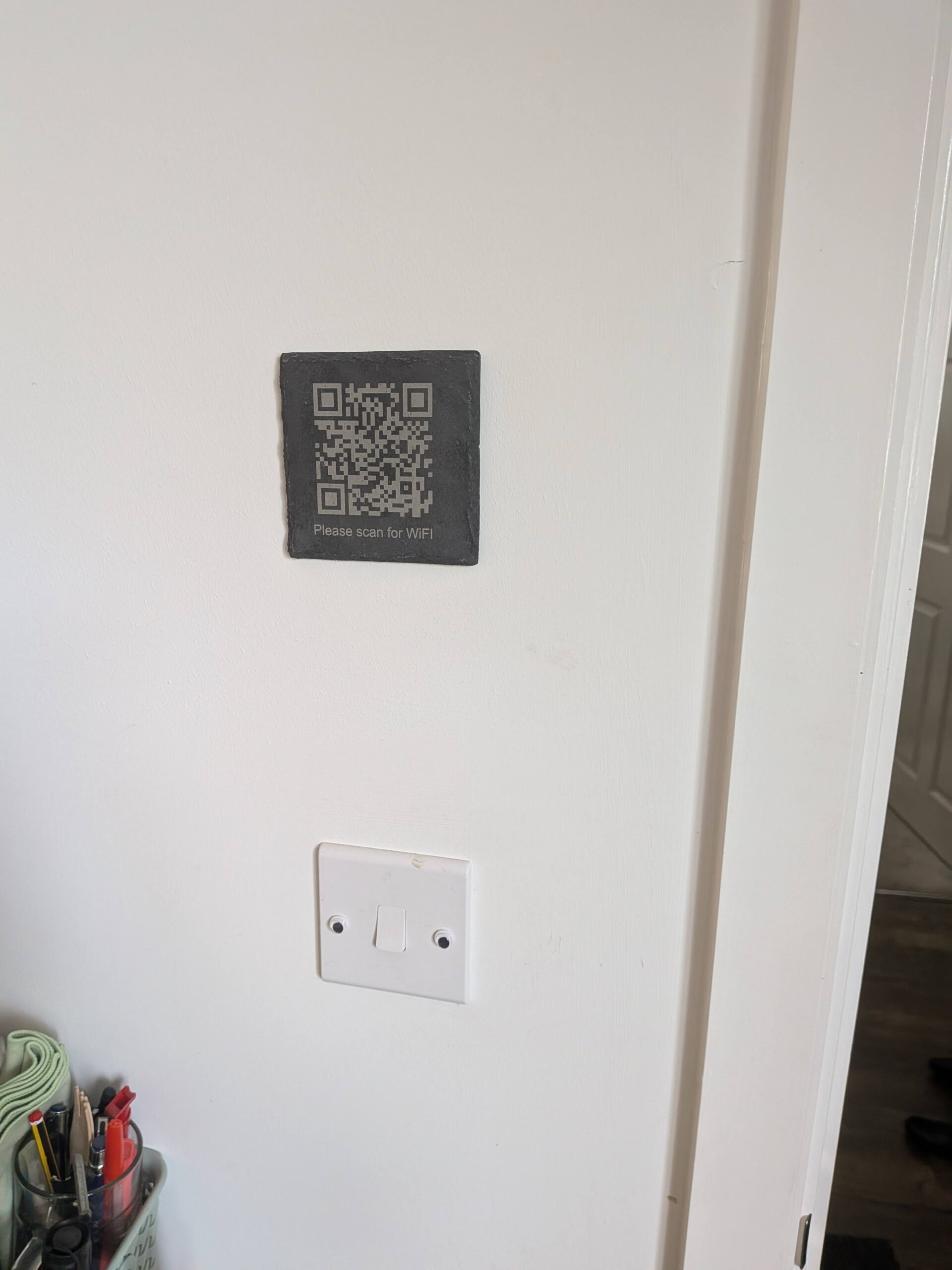
Whether you’re welcoming guests into your home, running an Airbnb, hosting visitors or managing a small business, this personalised engraved slate allows anyone to connect to your WiFi network instantly with a simple scan.
No typing.
No spelling mistakes.
No hunting for the router.
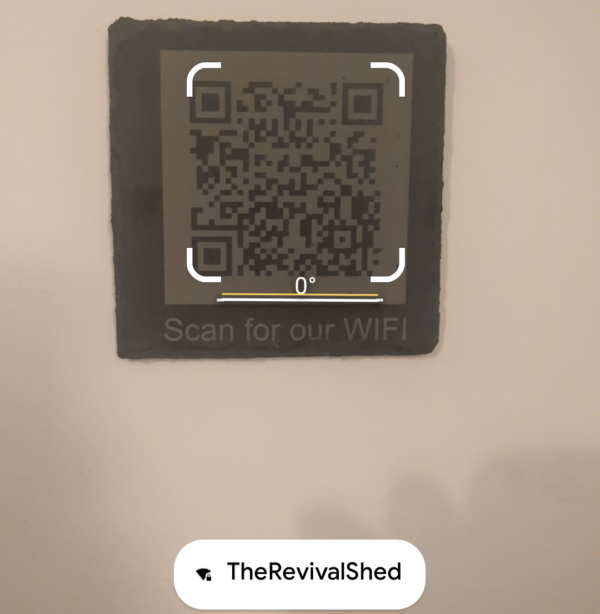
Simply scan and connect.
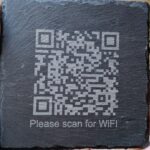
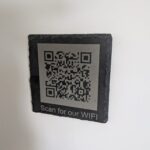
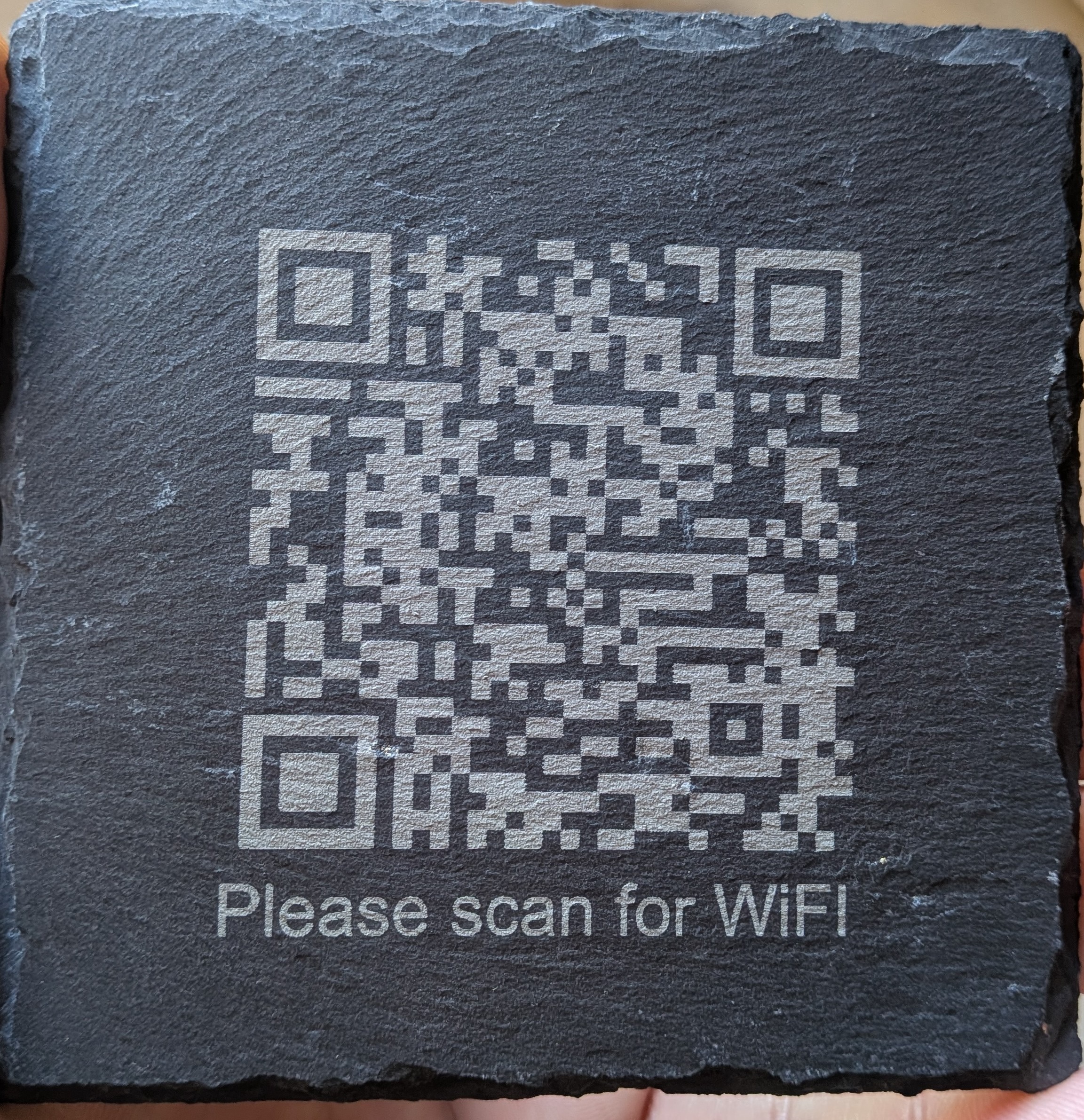
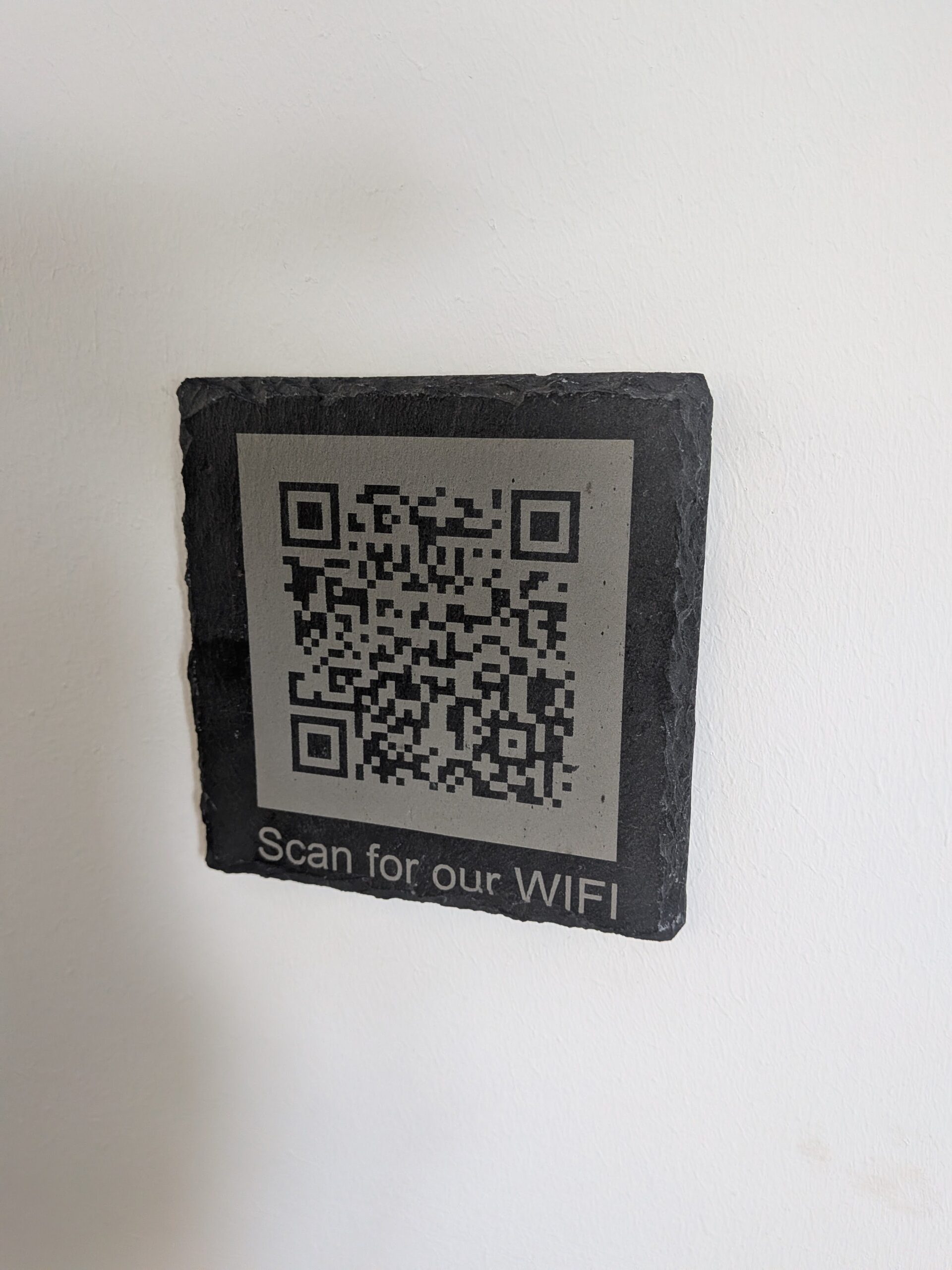
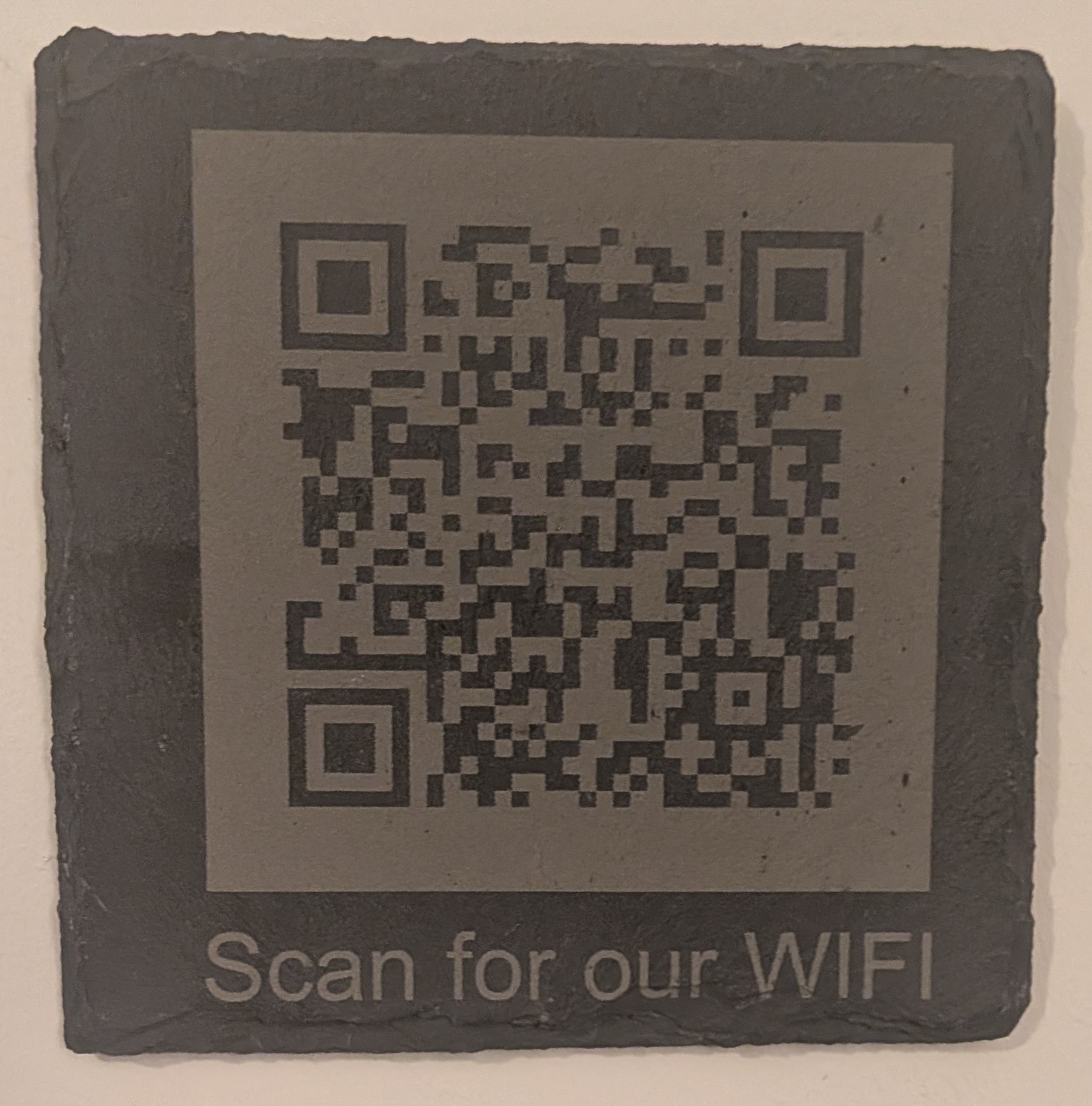
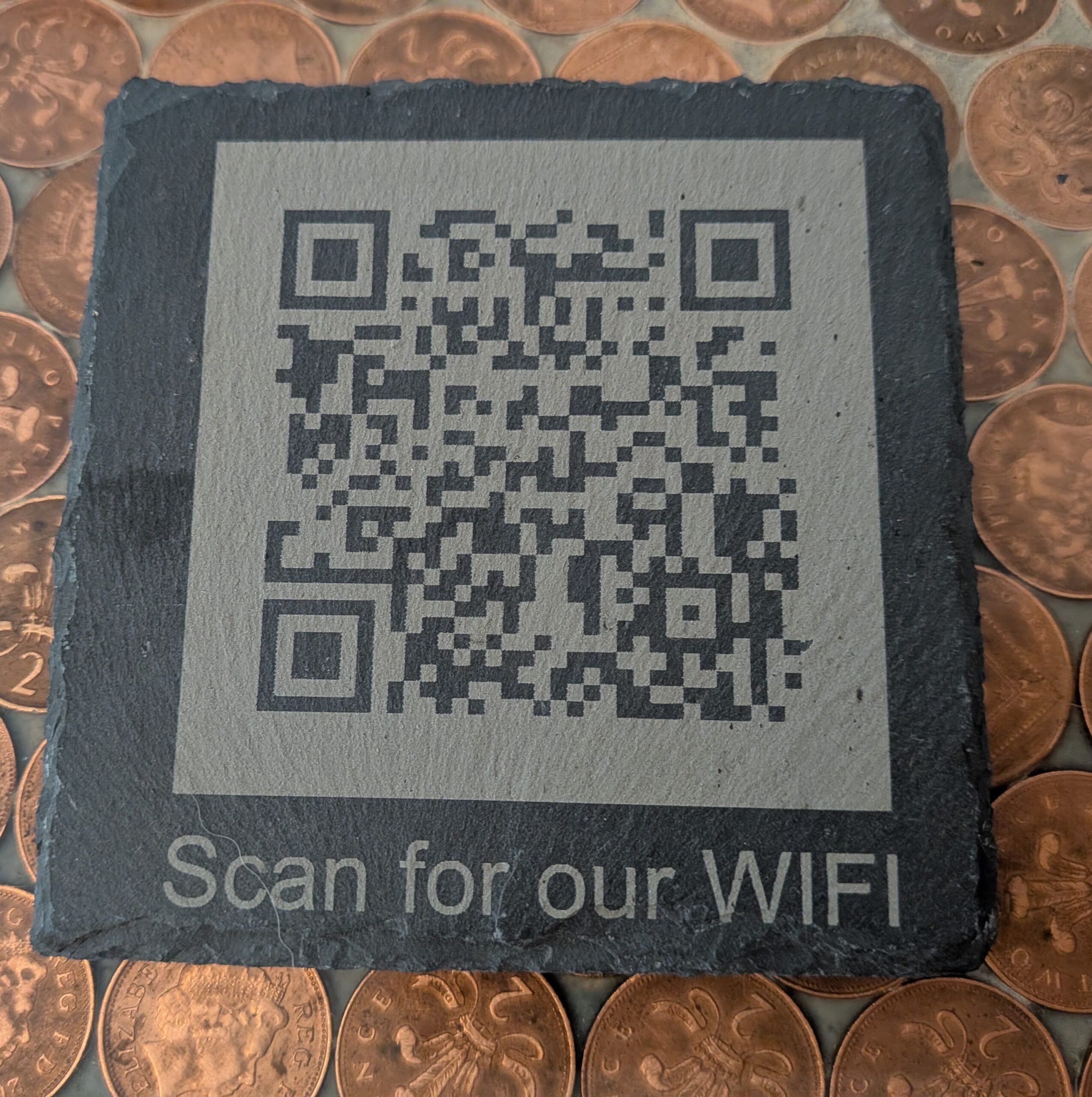
Each slate is individually designed using your WiFi details and laser engraved onto natural slate to create a practical feature that looks great in any room.
Perfect For
🏡 Homes
🏠 Airbnb & Holiday Lets
☕ Cafés & Coffee Shops
🍺 Bars & Pubs
🏢 Offices
🛏 Guest Bedrooms
🎉 Event Venues
🏕 Holiday Accommodation
What You’ll Need To Provide
- WiFi Network Name (SSID)
- WiFi Password
- Security Type (WPA / WPA2 / Other)
- Optional router label photograph
I will generate and test the QR code before engraving.
Why Choose A WiFi QR Slate?
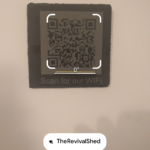
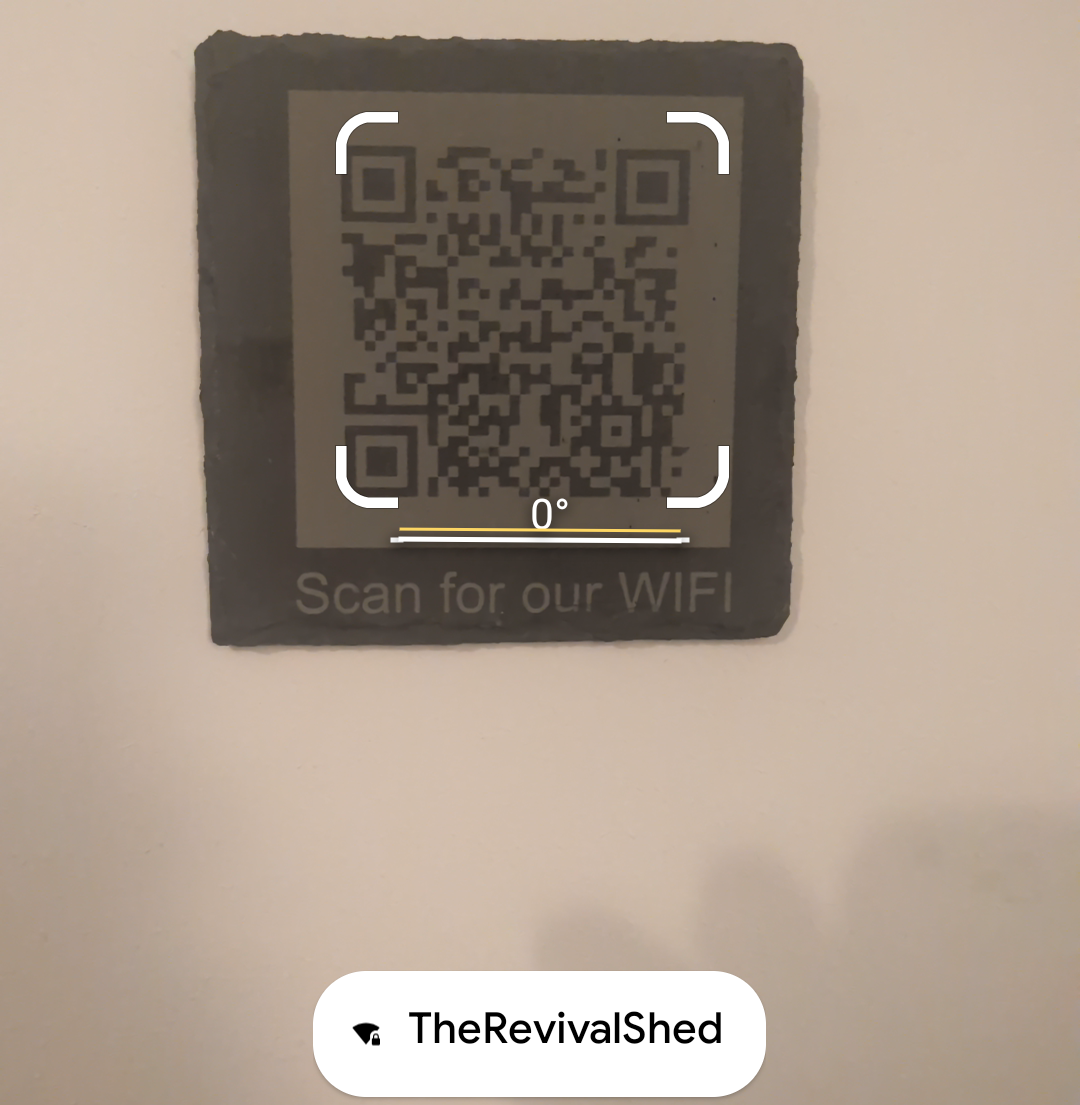
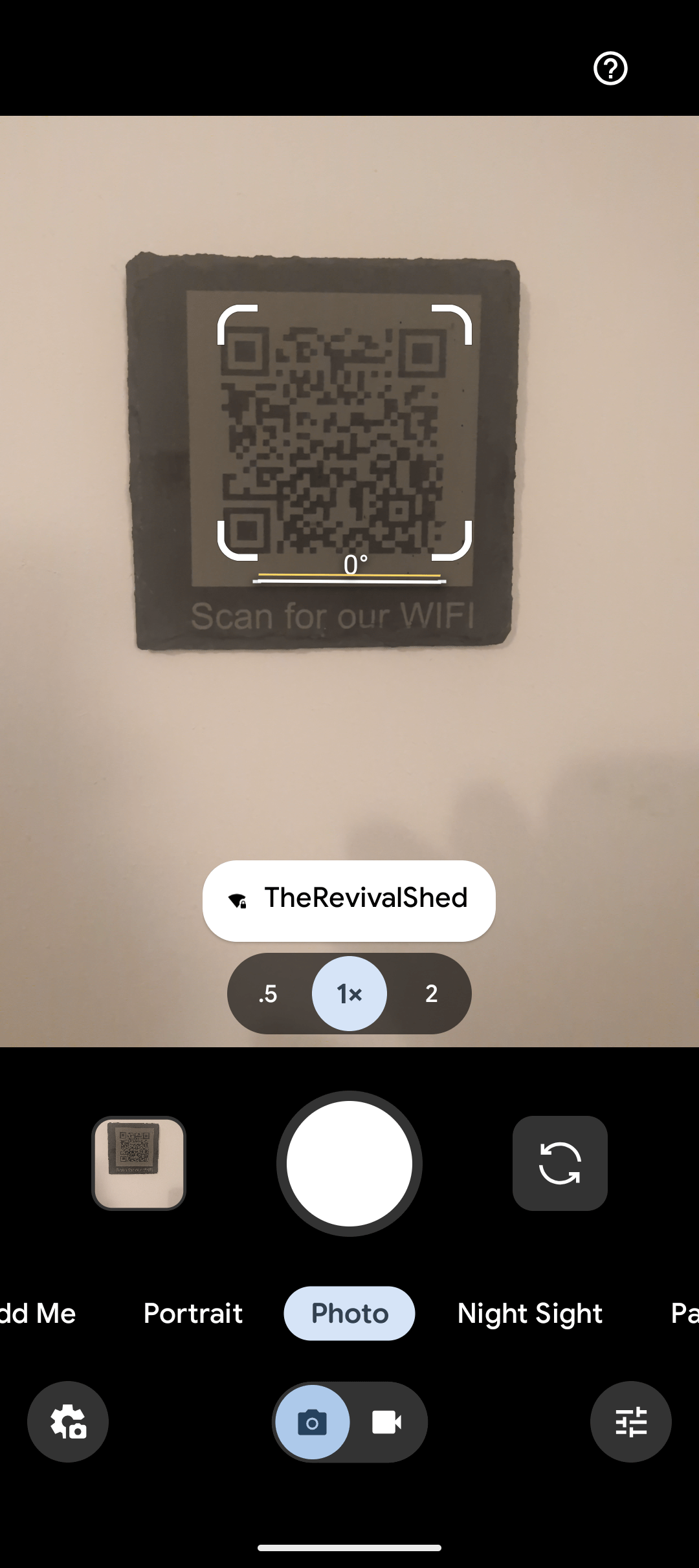
A WiFi QR code allows guests to connect instantly without manually entering network details. Modern iPhones and Android devices support WiFi QR scanning directly from the camera app.
Benefits include:
✓ Instant connection
✓ No password typing
✓ Looks far better than paper notes
✓ Ideal for guests and visitors
✓ Permanent engraved design
✓ Handmade in Hampshire
How It Works
Step 1
Place your order and provide your WiFi details.
Step 2
I create and test your QR code.
Step 3
The design is laser engraved onto natural slate.
Step 4
Your slate arrives ready to display.
Handmade To Order
Every WiFi slate is engraved individually.
Unlike printed signs, the design is permanently engraved into natural slate creating a durable and attractive addition to your home, office or guest accommodation.
Popular Uses
Airbnb & Holiday Lets
Give guests instant internet access without including passwords in welcome packs.
Home Use
Perfect for family gatherings, visitors and guests.
Small Businesses
Display WiFi access professionally in waiting rooms, cafés, salons and offices.
Will this work with iPhone?
Yes. Most modern iPhones can connect directly by scanning the QR code using the Camera app.
Will it work with Android?
Yes. Modern Android devices support WiFi QR code scanning and automatic connection.
What happens if I change my WiFi password?
A new QR code will need to be created because the code contains your network credentials.
Can I use this for Airbnb properties?
Absolutely. It’s one of the most popular uses for WiFi QR codes.


Reviews
There are no reviews yet.